
Winexch KYC Verification: Documents, Steps and Account Status
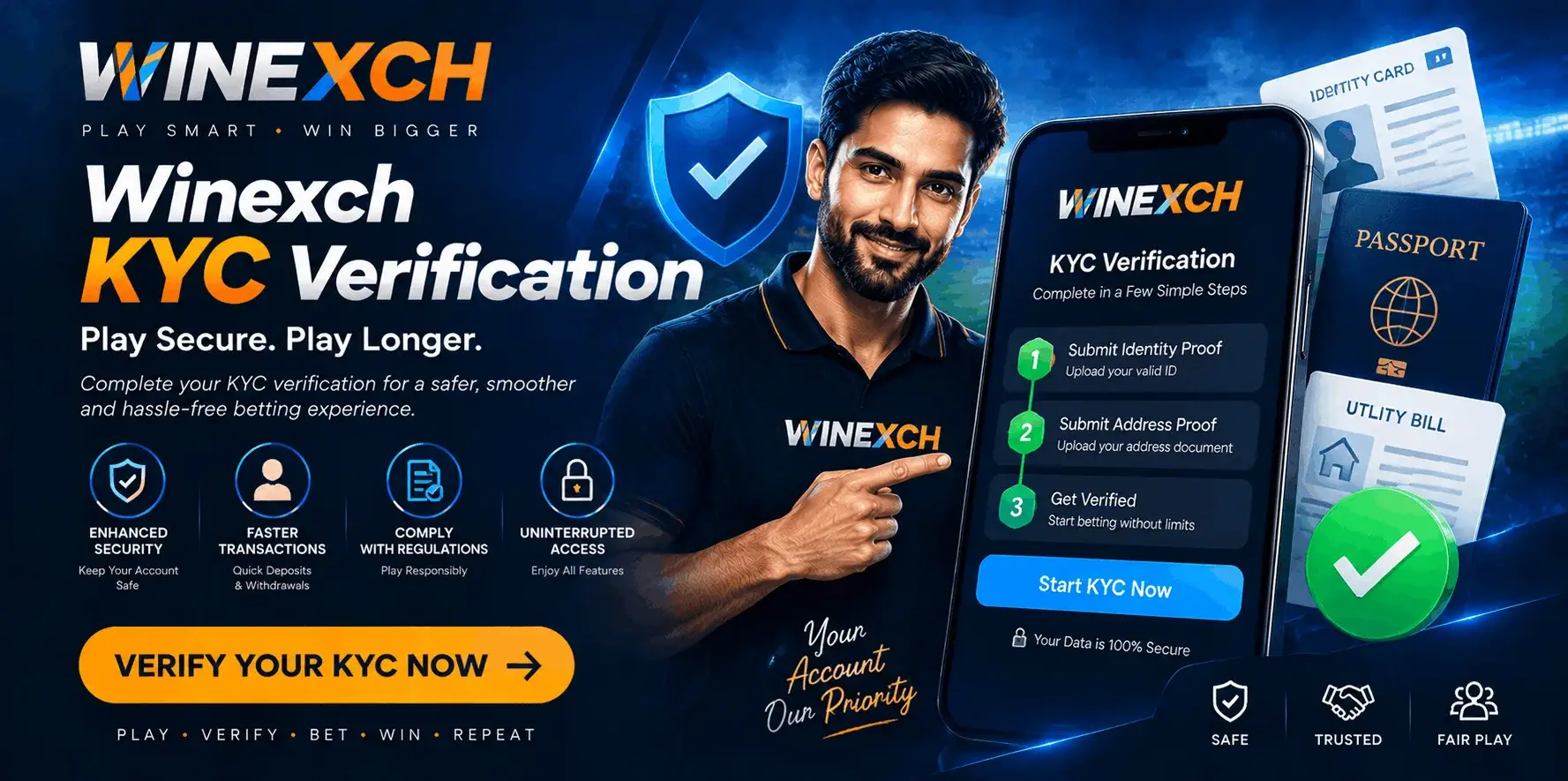
Winexch KYC verifies whether the personal details saved in an account match the identity of the person using it. The review may include the account holder’s legal name, date of birth, residential address, identity document and payment ownership information when those details are requested.
A complete verification record keeps the Winexch profile, supporting documents and linked financial details connected to the same account holder. The exact requirements can differ according to the verification message displayed in the account, so users should submit only the information requested in their own KYC panel.
What Winexch Verifies During KYC
KYC stands for Know Your Customer. On Winexch, it is used to compare the registered account details with the documents provided by the account holder.
The review may confirm:
- Full legal name
- Date of birth
- Current residential address
- Government-issued identity
- Account-holder photograph
- Bank or payment ownership
- Additional identity details shown in the verification panel
The information should represent one clear account record. The name saved in the profile should correspond with the identity document, while any payment proof requested should relate to the same verified user.
Email verification or mobile OTP confirmation serves a different purpose. These checks confirm that the user can access the winexch registration contact method, while KYC confirms the identity connected with the account.
When Account Verification May Be Requested
A KYC option may appear at different stages of account use. Some users may see it soon after account setup, while others may receive a verification request when personal or payment details need confirmation.
Winexch may request account verification when the profile information is incomplete, an identity check is required, a payment method needs to be connected with its owner or a previously verified document has been replaced or expired.
A verification request may also appear after a user updates a legal name, residential address or bank information. The message shown inside the account should identify the required category and the type of document that needs to be submitted.
Users should avoid uploading multiple unrelated documents. Providing the exact requested record in the correct field creates a clearer account-verification submission.
Check Your Profile Details Before Starting KYC
Before selecting a document, review the information saved in the Winexch profile.
The registered full name should match the legal name shown on the selected ID. A nickname, incomplete surname, shortened spelling or different sequence of names can make the account record less clear.
The date of birth should also match the submitted identity document. Where age confirmation forms part of the account requirement, the date entered in the profile should reflect the same information shown on the official record.
If proof of address is requested, compare the saved address with the document before uploading it. The house number, street, city and postal details should refer to the user’s current residential information.
Where the profile allows direct editing, correct the information before submitting KYC. If a verified field cannot be changed from the account settings, use the official Winexch support route to request an update.
Identity Documents for Winexch KYC
Proof of identity confirms who owns and operates the account. The final document options should be taken from the verification screen because different accounts may display different requirements.
Indian users may see categories linked with documents such as Aadhaar, PAN, passport, driving licence or voter ID. The presence of these documents in general use does not mean every option serves the same verification purpose. The document selected should match the category shown inside the account.
A clear identity document should display the required details without obstruction. This may include the user’s full name, photograph, date of birth, document number and validity information.
The entire document should remain visible in the image. If the front and reverse sides contain different information, the KYC screen may provide separate fields for both.
A document written in a regional language or using a different spelling format may need additional clarification. In that situation, users should follow the message displayed in the account or ask official support which supporting record is required.
Proof of Address Requirements
Proof of address connects the Winexch profile with the account holder’s current residential record.
Depending on the options shown in the KYC section, the account may request a bank statement, utility document, government-issued record or another accepted address-bearing file.
The submitted record should show the user’s name and complete address clearly. A cropped screenshot displaying only part of a statement may not include enough information for comparison.
The document should also be current according to the requirement shown in the account. Users should check the displayed instruction instead of assuming that every older statement or bill will qualify.
When the identity document already contains an address, it should only be used in the address section if the verification panel accepts that document for this purpose.
Payment and Bank Ownership Details
Winexch may request payment ownership information when a bank account, wallet or other financial method needs to be connected with the verified user.
The requested proof may include the account holder’s name, payment provider, selected account digits or a transaction reference. The exact information required should be taken from the verification message.
Sensitive access details should remain private. Passwords, PINs, OTP codes and complete card-security credentials are not account-ownership documents and should not be shared.
Where possible, the payment method should be registered in the same legal name as the Winexch account holder. Matching account, identity and payment records make ownership easier to confirm.
How to Submit KYC from Your Winexch Account
Open the official Winexch account route used for normal access and sign in to the correct profile.
Go to the account settings, personal details or profile section. The verification option may appear under a label such as KYC Verification, Identity Verification, Verify Account or Account Verification.
Review the personal details displayed on the screen before selecting a document type. Choose the exact category requested and upload the matching file.
If the account asks for both sides of an identity document, place the front and reverse images in their assigned fields. A proof-of-address file should be uploaded in the address section, while payment ownership information should remain in the payment-verification field.
After each upload, check the preview. Confirm that the image is upright, complete and readable. Complete any selfie, live camera or supporting-document step shown in the same verification flow.
A file appearing in the preview does not always mean the complete KYC request has been submitted. Look for a final confirmation message, submission notice or updated verification status before leaving the page.
How to Capture a Clear Document Image
A readable image allows the required details to be reviewed without guessing or enlarging a heavily compressed file.
Place the document on a flat, plain surface. Use even lighting and position the camera directly above it. All four edges should remain inside the frame.
Check that small text, the account holder’s name, photograph and validity information remain readable. Reflections should not cover printed details, and the image should not be blurred by movement.
Use the original camera image where possible. Files that have been repeatedly shared, compressed or saved through several applications can lose clarity, especially around document numbers and small print.
The uploaded record should remain unedited. Filters, digital retouching and unnecessary cropping can make important details harder to verify.
Completing Winexch KYC on Mobile
Before opening the verification section on a phone, allow the browser or account interface to access the camera and selected files.
Clean the camera lens and keep the document in a well-lit area. Capture the image in the correct orientation and review it at full size rather than relying only on the small thumbnail.
Keep the internet connection active until each upload is complete. Avoid refreshing the page, closing the browser or switching repeatedly between applications while files are being submitted.
The upload screen may also display a supported file type or size limit. A document can be visually clear but still fail to upload when its file format or size does not match the displayed requirement.
After the final step, check that the account shows a submission confirmation or a changed verification status.
Selfie or Live Identity Verification
Some Winexch KYC requests may include a selfie or live camera check. This step compares the person using the account with the photograph shown on the submitted identity record.
Keep the face fully visible and use clear lighting. Follow the position or movement instruction shown on the screen. Sunglasses, heavy filters and dark surroundings can reduce image clarity.
The selfie should be taken by the account holder completing the verification. A photograph of another screen or a previously edited image may not provide the live identity match requested by the account.
Understanding Your KYC Status
After submission, the verification section may display a status showing the current stage of the review.
Pending
A pending status means the files have been received and are being checked. Users can monitor the account for the next update and should provide another file only when the verification panel requests it.
Verified or Approved
This status shows that the submitted information has met the current account-verification requirement. Verified details should still be updated later if the account holder’s legal or residential records change.
Additional Information Required
This message identifies a detail that needs further support. The account may request a clearer image, the reverse side of a document, an updated address record or another specific file.
Updated Document Requested
This status allows the user to improve or replace a particular part of the submission. Following the displayed reason and providing a clearer or more current record helps move the account review forward. Verification time can vary with the document type, account details and the information being checked. The live status inside the Winexch account is more reliable than a fixed timeframe quoted elsewhere.
How to Prepare Documents for Successful Review
A document may need an updated copy when the required information is not fully visible or does not align with the account profile.
The most useful checks are straightforward. Make sure the image is bright enough to read, the full document is inside the frame and the selected ID is still valid.
The profile name should correspond with the legal name on the document. For example, an account saved under an abbreviated name may not present the same complete identity as a document showing the full legal name.
Address details should also refer to the same current residence. If the profile has not yet been updated after an address change, correct the account information or follow the official support process before resubmitting the document.
Where an ID contains important information on both sides, upload both images when the account requests them. A payment proof should belong to the verified account holder unless the displayed platform instructions clearly allow another arrangement.
When the verification panel asks for an updated file, replace the specific document or image identified in the message rather than uploading the same unchanged copy.
Updating Previously Verified Details
KYC information may need to be refreshed after a legal name change, new residential address, replacement identity document or updated bank account.
Open the Winexch profile and check whether the relevant field includes an edit or update option. Some account information may be changed directly, while verified details may require a support request and a new supporting record.
For an address update, prepare a document showing the current residential information. For an expired ID, use the new valid document requested by the verification panel.
If the spelling used in the profile differs from the new official document, explain the change through the available support route and provide the requested evidence.
Keeping the account information current helps maintain one consistent record across the profile, identity document and payment details.
KYC and Withdrawal Account Ownership
KYC and withdrawal serve separate functions. The KYC section confirms account ownership, while the withdrawal section handles a payment request.
During an account or transaction review, Winexch may compare the verified user name with the holder of the selected bank or payment method. Matching details create a clearer connection between the account and the destination used for the transaction.
Specific withdrawal methods, request steps and payment status belong on a dedicated withdrawal page. On the KYC page, the important point is that verified identity and payment ownership should represent the same account holder.
Is a Separate Winexch KYC Download Needed?
Winexch KYC is normally completed through the verification area inside the account. Users do not generally need to download an external KYC tool, random form or unofficial application unless the official interface provides a specific instruction.
A search for “Winexch KYC download” may come from a user trying to locate the mobile verification route or the account form. The correct place to begin is the authenticated profile.
Open the account settings, locate the verification option and follow the steps shown there. When no KYC option appears, use the official support page rather than downloading a file from an unknown source.
Keeping Verification Documents Private
Submit identity files only through the official Winexch account area or a support method confirmed through the platform’s own website.
Do not share document images in public groups or with unknown contacts. winexch login passwords, payment PINs and OTP codes should remain with the account holder.
When using a shared device, complete the upload, check the submission confirmation and log out of the account. Stored images should be removed from public folders or kept in a protected location.
The Winexch Privacy Policy should be used for details about account data handling, while the KYC section should be used only to provide the documents requested for verification.
FAQs: Winexch KYC
1. What Is Winexch KYC?
Winexch KYC refers to the identity verification process that may be required for certain accounts or transactions. It helps confirm that the account belongs to the person using it and may involve submitting identification information or documents.
2. Where Is the KYC Option Available?
If KYC is required, the verification option may be available inside the account dashboard, profile, wallet, or verification section. The exact location can vary depending on the current platform interface and account status.
3. Which Documents Are Required?
The documents requested can vary based on the verification process. Users may be asked for a government-issued identity document, proof of address, or other information needed to verify their identity. Follow the specific document requirements shown by the platform.
4. Can KYC Be Completed on a Mobile Phone?
If mobile verification is supported, KYC can generally be completed using a smartphone and a compatible browser. Users may need to upload clear images of the requested documents and follow any additional verification instructions.
5. What Does Pending KYC Mean?
A pending KYC status usually means the submitted information or documents are still being reviewed. Users should wait for the verification process to be completed and check their account for any further instructions.
6. Why Has Another Document Been Requested?
An additional document may be requested if the information submitted is unclear, incomplete, expired, or does not meet the verification requirements. Check the specific message provided and submit the requested information through the appropriate account section.
7. Can Verified Details Be Updated?
Some account details may be changeable, while verified information can require additional checks before it is updated. Contact official customer support if you need to correct information that has already been verified.
8. Is KYC the Same as Email or Mobile Verification?
No. Email or mobile verification normally confirms that you have access to a particular contact method. KYC is a broader identity-checking process that may require personal information or official documents.
9. Does KYC Relate to Withdrawals?
KYC can be relevant to withdrawals if identity verification is required before funds can be processed. Requirements can vary based on the account, transaction, and applicable platform policies, so users should check the current withdrawal and verification conditions.
10. Is a KYC Application Download Required?
KYC does not necessarily require a separate application download. If the platform provides an online verification process, users may be able to complete it through their account using a supported browser. Always follow the verification instructions provided through the official platform.
Complete Winexch KYC with Matching Account Information
Winexch KYC depends on clear documents and consistent account-holder details. The profile name, date of birth, address and requested payment information should refer to the same user.
Before submission, review the account information, select the document category shown in the verification panel and check every uploaded file for readability. After submission, confirm that the status has changed and follow any account message requesting a specific update.
Providing the exact requested document in a clear and current form creates a stronger verification record than uploading unnecessary files or relying on unofficial instructions.